Merge Photography Header 1

How do I create a Photo Cover?

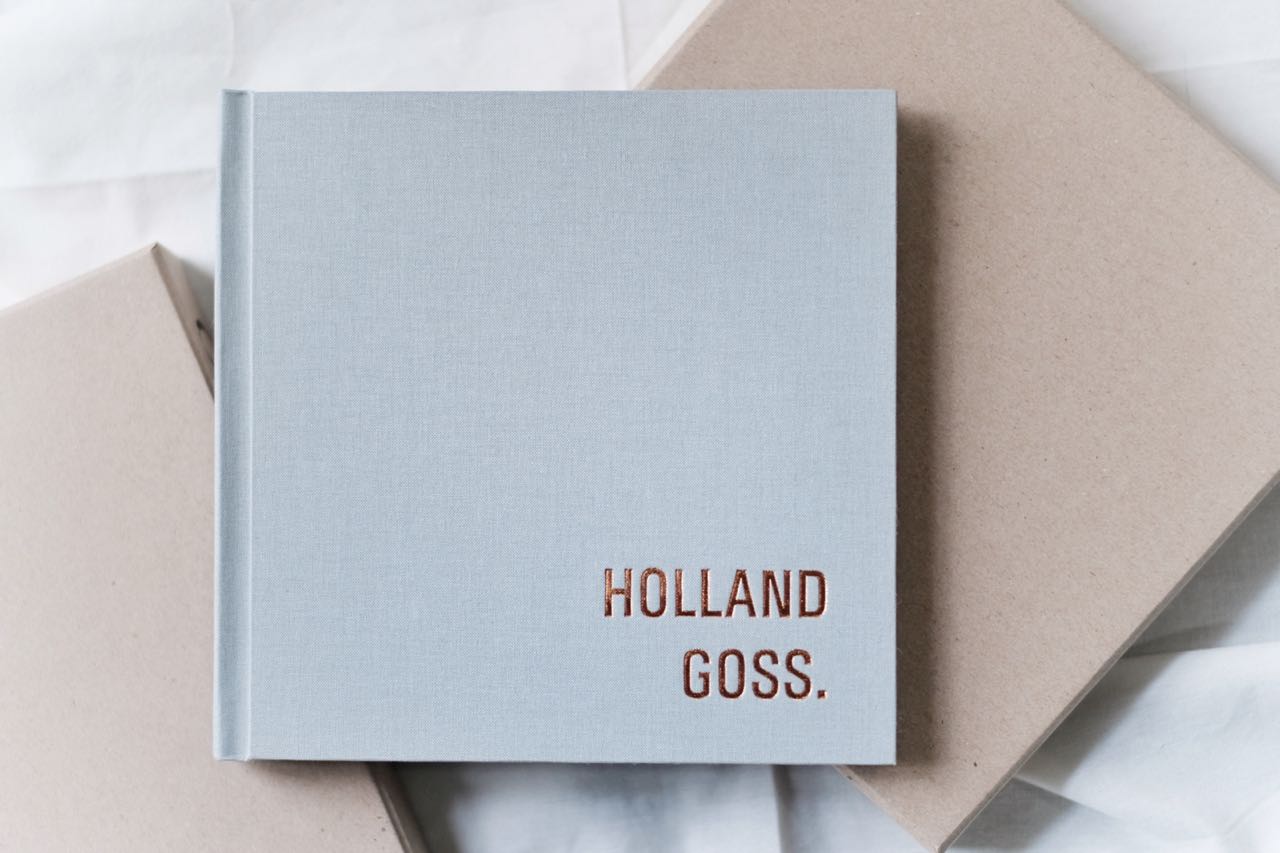
Photo Covers are a great way to personalise an album cover. You can have the whole cover as a photo or just a section! To change your album cover to a photo cover just follow the next few steps:

  • Once JAD is open and you have your album design up, click on “ALBUM” in the top toolbar
  • Scroll down the drop down menu and click on “COVER PROPERTIES”
  • A drop down menu will appear under Cover Material. Scroll down the menu and select “PHOTO COVER”.
  • You now need to choose your spine material, i.e. the album cover material.
  • In the drop down menu under Spine Material, choose your album cover.

TIP: For something different why not try a canvas photo cover or an acrylic photo cover?

Posted in: JAD FAQ